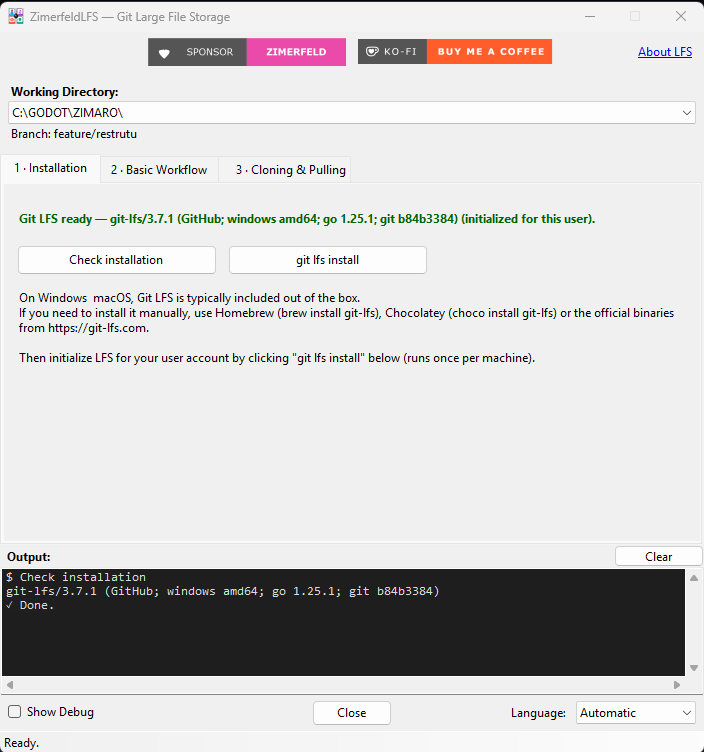
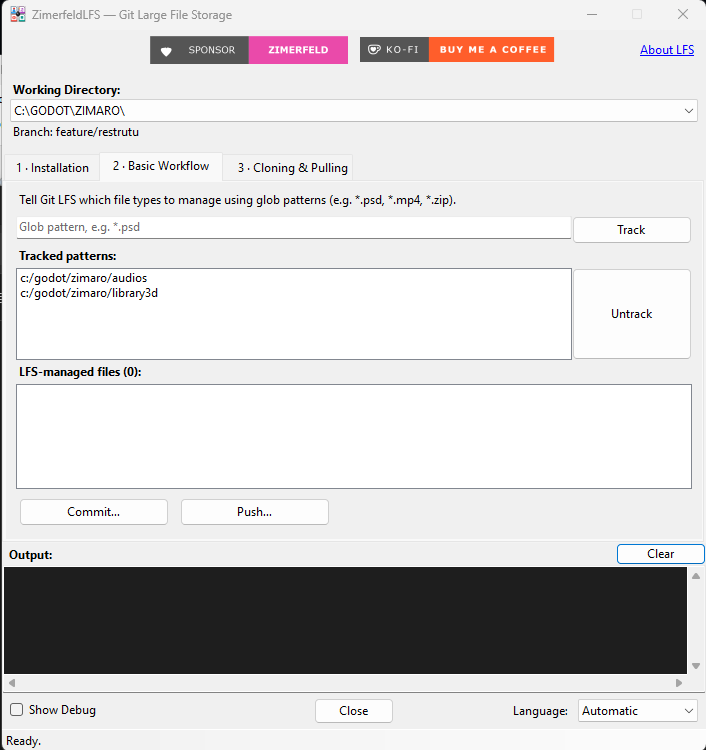
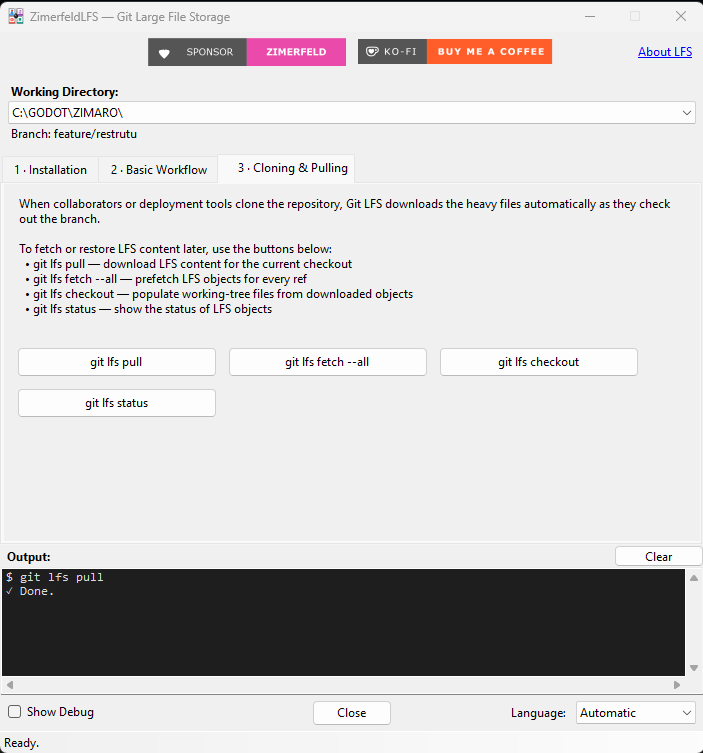
What GitExtensions.ZimerfeldLFS brings to your GitExtensions.
O que o GitExtensions.ZimerfeldLFS traz para o seu GitExtensions.
Lo que GitExtensions.ZimerfeldLFS aporta a tu GitExtensions.
🪟Dedicated, non-modal window
Janela dedicada e não-modal
Ventana dedicada y no modal
Surfaces Git LFS without ever interrupting your work in the GitExtensions host.
Expõe o Git LFS sem nunca interromper o seu trabalho na janela do GitExtensions.
Muestra Git LFS sin interrumpir nunca tu trabajo en la ventana de GitExtensions.
🔓Three-step guided flow
Fluxo guiado em 3 etapas
Flujo guiado en 3 etapas
Installation → Track/Commit/Push → Clone/Pull, each as its own tab.
Instalação → Track/Commit/Push → Clone/Pull, cada uma em sua aba.
Instalación → Track/Commit/Push → Clone/Pull, cada una en su pestaña.
📁Independent working directory
Diretório de trabalho independente
Directorio de trabajo independiente
Point the window at any repo from your GitExtensions history, regardless of the host.
Aponte a janela para qualquer repo do histórico do GitExtensions, independente do host.
Apunta la ventana a cualquier repo del historial de GitExtensions, independiente del host.
🖥️Visible command log
Log de comandos visível
Log de comandos visible
Every git / git lfs command and its output — nothing hidden.
Cada comando git / git lfs e sua saída — sem esconder nada.
Cada comando git / git lfs y su salida — sin ocultar nada.
🌐Localized (EN / PT / ES)
Localizado (EN / PT / ES)
Localizado (EN / PT / ES)
Automatic mode following the OS, plus a Show Debug toggle for control IDs.
Modo automático seguindo o SO, além do Show Debug que revela os IDs dos controles.
Modo automático siguiendo el SO, más el Show Debug que revela los IDs de los controles.
✅36 unit tests
36 testes unitários
36 pruebas unitarias
The LfsService is covered by 36 xUnit tests — built for reliability.
O LfsService é coberto por 36 testes xUnit — feito para confiabilidade.
El LfsService está cubierto por 36 pruebas xUnit — hecho para la fiabilidad.